





9 Best Fire and Life Safety Software Tools for 2026
Fire and life safety work doesn’t look the same for every contractor. Some teams focus primarily on recurring inspections and compliance reporting. Others balance inspections with service calls, repairs, and ongoing maintenance across multiple sites and systems. Many fire protection businesses fall somewhere in between—managing a mix of scheduled inspections, emergency service, deficiency tracking, and follow-up work while staying aligned with NFPA requirements.
The challenge? Most software platforms don’t support the full scope of commercial fire and life safety operations. Some focus only on inspection reporting. Others are construction-first systems adapted for service work. Only a few connect the complete workflow—inspections, deficiencies, repairs, scheduling, and long-term compliance management—into a single platform.
This guide compares leading fire protection and life safety software platforms that commercial contractors are using in 2026. Each platform has a unique approach to inspections, compliance, and service workflows, and understanding those differences can help you choose the right solution for your fire protection business.
1. ServiceTrade – The leading all-in-one platform built for commercial fire & life safety contractors

ServiceTrade is purpose-built software for commercial fire protection and life safety contractors. It brings inspections, service agreements, deficiency tracking, and customer communication into one connected platform—eliminating paper processes and disconnected tools. Designed around real fire protection workflows, ServiceTrade helps teams sell inspection agreements and manage the inspection and service of fire alarms, suppression systems, sprinklers, extinguishers, and other critical fire equipment.
In the field, technicians use NFPA-compliant digital inspection forms with barcode scanning, guided checklists, and real-time deficiency reporting. Inspection data flows back to the office instantly, making it easier to manage recurring schedules, stay audit-ready, and respond quickly when issues are found.
ServiceTrade also connects inspections to the rest of the business. When deficiencies are identified, they can be documented with photos and notes, turned into repair quotes, and sent to customers without delay. Customers can log into a secure portal to view inspection reports and open deficiencies anytime, improving transparency, reducing liability risk, and helping fire protection contractors build long-term relationships.
Pros:
- Built specifically for fire and life safety contractors
- Fast, proven implementation (8–12 weeks)
- High customer satisfaction (97%)
- Supports selling and managing inspection agreements
- NFPA-compliant digital inspections for fire systems
- Simple, effective deficiency tracking and quoting
- Customer portal for reports and compliance visibility
- Reliable platform with 99.99% uptime
Cons:
- Only for commercial contractors
- US-based and primarily North America-focused
- Not a full ERP or accounting system
Discover how ServiceTrade helps fire protection contractors.
2. Uptick – Inspection-first software for small fire protection teams
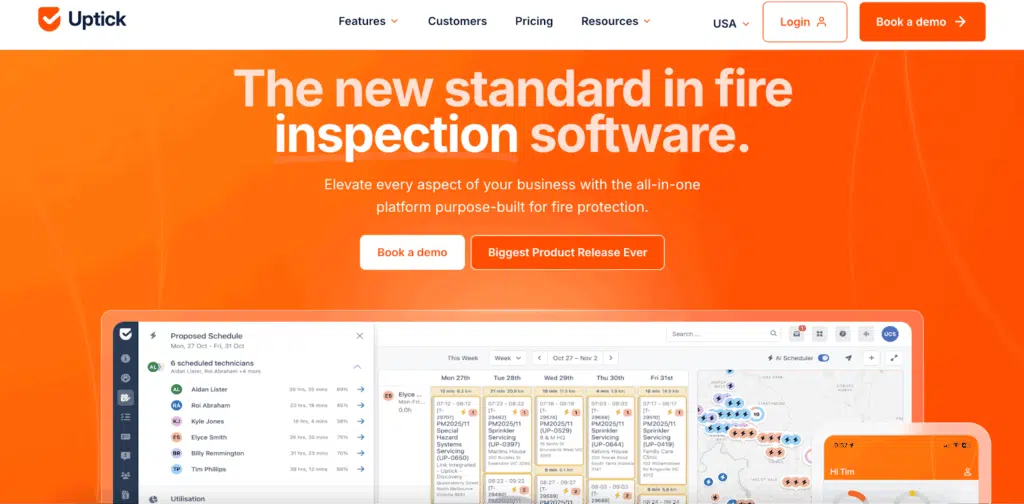
Uptick is an Australian-based cloud platform built for commercial fire protection and life safety contractors, with a primary focus on inspection reporting and compliance. It helps teams schedule recurring inspections, complete digital inspection forms, track deficiencies, and share reports with customers through an online portal.
For smaller, inspection-focused teams, Uptick can be a good starting point. However, many contractors outgrow it as their needs expand. Repair quoting and approval workflows are limited and often tracked outside the system, and visibility into full job history or active service work can be difficult. As a result, Uptick is best suited for inspection-focused teams rather than contractors looking for a single platform to manage inspections, repairs, scheduling, and service.
Pros:
- Designed for commercial fire inspection workflows
- Simple digital inspection and compliance reporting
- Good fit for smaller, inspection-focused teams
Cons:
- Limited repair quoting and approval capabilities
- Minimal visibility into job history and service progress
- Often outgrown as service operations become more complex
- Confusing product terminology
See our detailed ServiceTrade vs Uptick comparison for a closer look.
3. Inspect Point – A strong inspection forms tool for commercial fire contractors
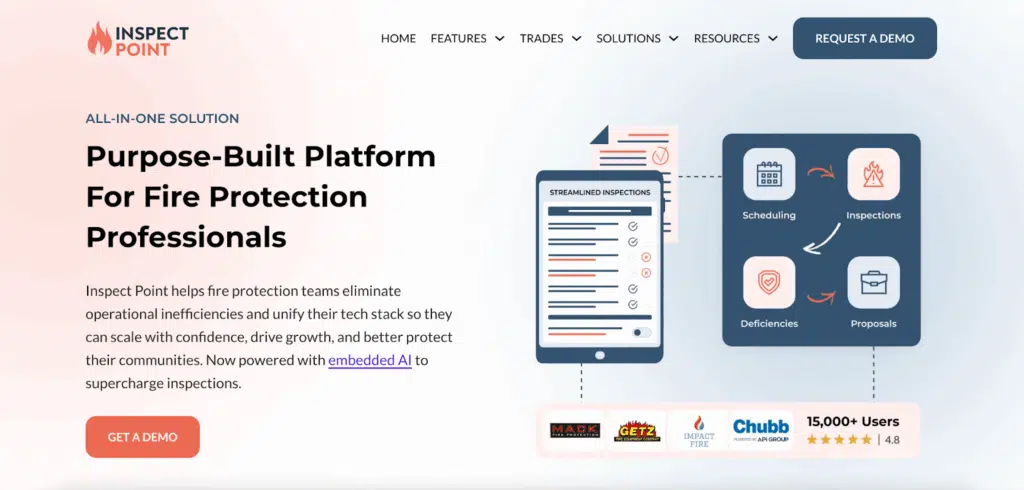
Inspect Point is a commercial fire inspection platform focused on digital inspection forms and compliance reporting rather than full-service management. It helps fire protection contractors standardize inspections for fire alarms, sprinklers, suppression systems, extinguishers, and other regulated equipment, replacing paper forms with digital documentation.
While Inspect Point works well as an inspection forms tool, it is not a full field service management platform. Most contractors still need a separate FSM system to manage scheduling, service work, repair quoting, job tracking, and customer communication.
Pros:
- Strong digital inspection forms and reporting
- Built for commercial fire inspection requirements
- Reliable compliance documentation
Cons:
- Not a full FSM platform
- Limited connection to service and repair workflows
- Requires additional tools as operations grow
Learn why integrated inspection management is critical for successful growth.
4. BuildingReports – Inspection reporting focused on compliance and visibility
BuildingReports is a commercial fire protection software platform focused on inspection reporting and compliance visibility. It’s commonly used to create standardized inspection reports for fire alarms, sprinklers, suppression systems, and other life safety equipment that can be easily shared with building owners and fire safety officials.
While strong for documentation and regulatory reporting, BuildingReports is not designed to manage service operations, so contractors typically rely on other systems for scheduling, repairs, and ongoing customer communication.
Pros:
- Strong inspection and compliance reporting
- Clear, standardized inspection records
- Trusted by AHJs and fire safety officials
Cons:
- Not a full field service management platform
- No repair quoting or service job tracking
- Requires additional tools for daily operations
5. BuildOps – Construction-first software adapted for fire safety contractors
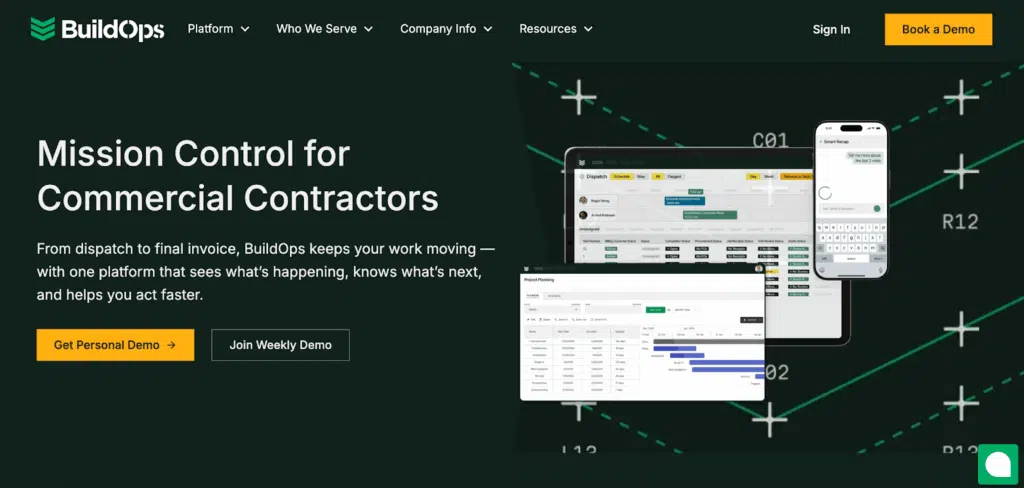
BuildOps is a commercial operations platform built primarily for construction-driven contractors, with fire safety capabilities layered in. It’s often used by fire contractors that focus on large installs, retrofits, and project-based work, offering strong tools for project management, scheduling, and job costing. That said, BuildOps isn’t designed around the inspection-first, recurring service workflows that many fire protection companies rely on. As a result, BuildOps is better suited for construction-heavy fire contractors than for inspection- or service-driven businesses.
Pros:
- Strong fit for construction-heavy fire safety contractors
- Robust project management and job costing tools
- Handles large installs and retrofit projects well
Cons:
- Long and complex onboarding for many customers
- Service and preventative maintenance workflows are limited
- Not purpose-built for recurring inspections and compliance work
See our detailed ServiceTrade vs BuildOps comparison for a deeper dive.
6. Ember – Fire protection software designed for smaller teams that want less complexity
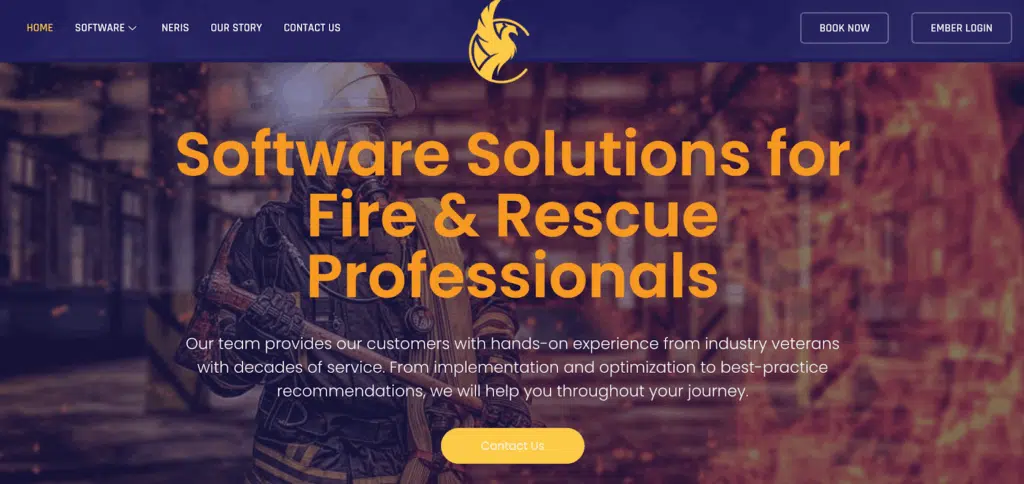
Ember is a newer software platform built specifically for fire protection and life safety contractors, with a focus on simplifying inspections, service work, and customer communication. It supports digital inspections, deficiency tracking, quoting, scheduling, and invoicing in a single system, aiming to replace spreadsheets and disconnected tools with a more streamlined workflow.
Ember appeals most to small and mid-sized fire contractors that want a modern, easy-to-use platform without the overhead of construction-first systems. That said, as a newer product, Ember is still building out depth in areas like advanced reporting, large-scale asset management, and complex enterprise workflows, which may be limiting for larger or fast-scaling organizations.
Pros:
- Built specifically for fire protection and life safety contractors
- Clean, modern interface that’s easy to adopt
- Connects inspections, deficiencies, and basic service workflows
Cons:
- Less proven at large scale or enterprise complexity
- Reporting and customization are still maturing
- May lack depth for highly complex or multi-branch operations
7. Simpro – Construction-heavy software with basic fire protection support
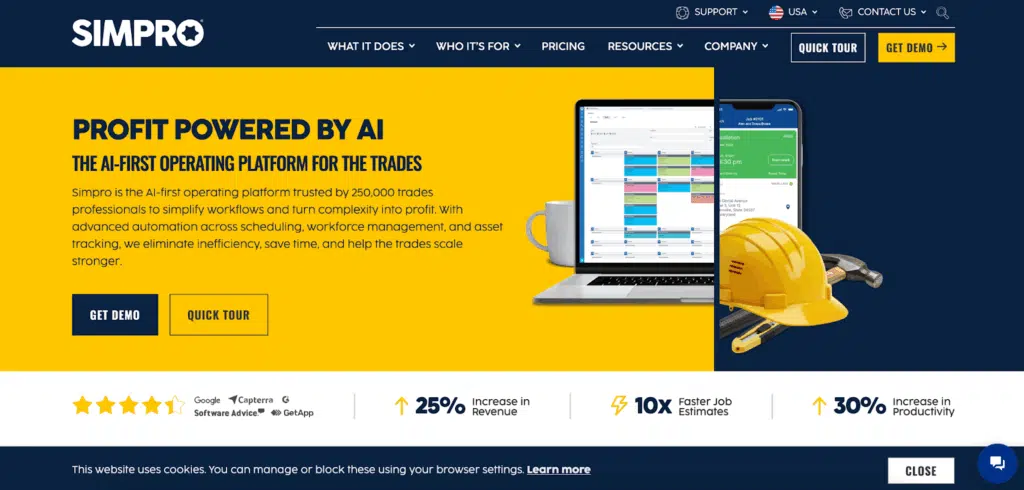
Simpro is a construction-focused operations platform based in Australia that supports a range of trades, including fire protection. It offers tools for job management, scheduling, estimating, and invoicing, and is often used by contractors with a strong construction or project-based mix.
For fire and life safety contractors, Simpro can handle basic service and inspection workflows, but the platform is not purpose-built for U.S.-based fire protection operations. Many contractors find the interface complex, onboarding time-consuming, and fire-specific workflows less intuitive. Limited U.S.-based support and a lack of deep fire life safety expertise can also be challenges for commercial service contractors who need software aligned with local codes, standards, and day-to-day operations.
Pros:
- Robust construction and project management tools
- Supports multiple trades, including fire protection
- Works for construction-heavy organizations
Cons:
- Construction-first, service-second design
- Steep learning curve and complex interface
- Limited U.S.-based support and fire-specific expertise
8. BlueFolder – Basic service management for commercial fire safety operations

BlueFolder is a long-standing, low-cost service management platform used by some commercial fire suppression and detection contractors. It’s often chosen by smaller teams that want a simple way to manage work orders, inspections, and service history. The platform is easy for technicians to use, but that simplicity comes with tradeoffs. BlueFolder lacks role-based permissions, offers limited reporting and analytics, and relies on outdated technology. While it can work for low-complexity operations, growing fire contractors often find it doesn’t provide enough structure or visibility to support accountability and scale.
Pros:
- Low-cost option for basic fire service management
- Simple and easy for technicians to use
- Minimal setup and onboarding
Cons:
- Outdated interface and limited technology
- No role-based permissions
- Limited reporting, analytics, and accountability
9. Smart Service – A QuickBooks add-on for basic fire service tracking
Smart Service is a QuickBooks add-on used by some fire protection contractors to manage basic service tracking within their accounting system. Its low cost and tight QuickBooks integration make it an easy entry point, but the platform is entirely dependent on QuickBooks and offers limited functionality beyond simple job tracking. While it offers cloud access, Smart Service lacks modern platform features and robust mobile capabilities, making it difficult to support inspection workflows, compliance reporting, preventative maintenance, or growing fire service operations. For most contractors, it serves as a basic starting point rather than a scalable, long-term solution.
Pros:
- Very low cost
- Integrates directly with QuickBooks
- Simple for basic service tracking
Cons:
- Completely dependent on QuickBooks
- Very limited functionality and flexibility
- No modern features or mobile capabilities
Choose a Tech Solution Built for You
Fire protection businesses need software that supports how they actually operate—not a generic platform adapted from construction or residential service. While some tools may cover pieces of the job, fire and life safety contractors often need a purpose-built solution that handles inspections, compliance, and ongoing service without workarounds.
ServiceTrade is trusted by 1,300+ commercial contractors, including hundreds of fire protection teams, because it’s designed around the realities of fire and life safety work. Inspections, assets, recurring compliance, deficiency tracking, and service workflows all live in one platform—so teams can move faster in the field, stay audit-ready, and maintain clear visibility across customers, sites, and systems.
Want to see if ServiceTrade is the right fit for your fire protection business? Book a demo to see how a fire-first platform can simplify operations and support growth.

In 2025, commercial contractors faced rising labor constraints, tighter margins, and increasing customer expectations. Growth required more than adding headcount or chasing more work. It required operating smarter at every level of the business. Contractors using ServiceTrade focused on the fundamentals that drive scalable performance: helping technicians spend more time on billable work, giving office […]
If you sell service work to customers with multiple facilities, you know how complicated proposal management can get. Different locations, different scopes, different service levels… and usually a whole lot of manual effort just to keep everything straight. That’s why we’re excited to enable Multi-Site Proposals for all SalesManager customers, a powerful new way to […]