




AI-powered field service management for commercial contractors—maximize technician performance, streamline operations, and deliver digital-first customer experiences.

Manage parts purchasing and inventory across trucks and warehouses—connect parts to jobs so techs have what they need and billing stays accurate and on time.

Unified mobile inspections that streamline inspection workflows, generate compliance-ready reports, and turn findings into actionable deficiencies and repairs.

Purpose-built estimating and proposal automation for commercial service contractors—quote faster, standardize pricing, and connect cleanly from sale to service.

ServiceTrade AI

ServiceTrade AI helps field and office teams work faster by turning job data into insights opportunities, spotting issues early, and automating next steps.

Integrations

ServiceTrade Integrations connect your ERP, accounting, and other tools to reduce double entry, speed up billing, and keep data consistent across field and office teams.

How digital inspection forms streamline the inspection process

Digital inspection forms are a powerful solution for life safety service contractors looking to streamline operations.  However, at present, a majority of contractors in the fire protection business are still using paper. There’s a 60% chance that’s you!  But as the world has come to rely on digitization, and more digital offerings like ServiceTrade Inspections have come on the market, the age-old tradition of paper-based inspections has begun to make less sense.  If you’re feeling a mounting need to improve the efficiency of your inspections and better manage liability, you’re not alone.  Here is a look at some of the biggest benefits of replacing paper-based inspections with inspection automation software. 

More efficiency and less liability risk with digital inspection forms

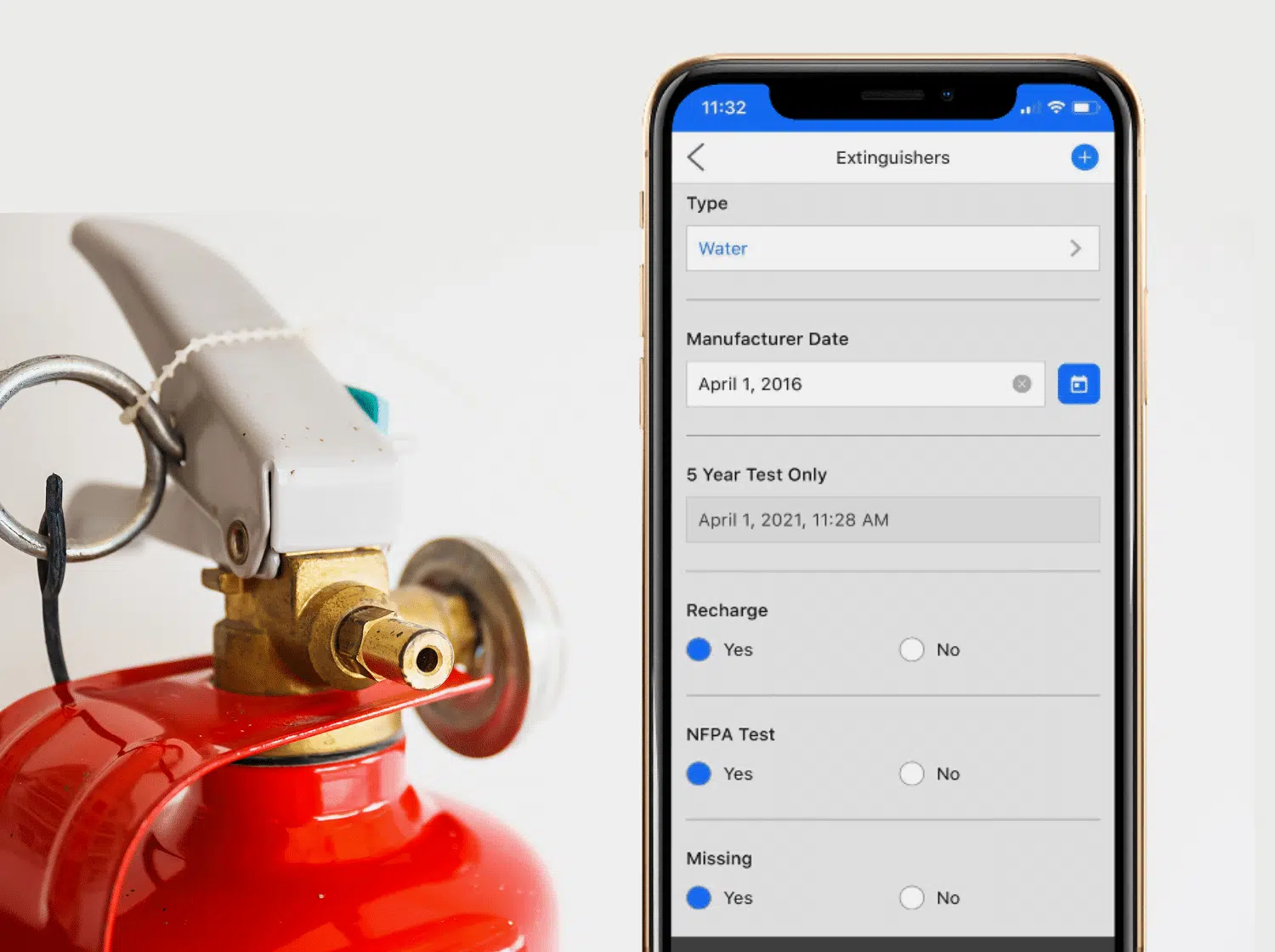
Fire inspection software yields a wide array of operational improvements over paper, including:
  • A step-by-step set of tasks that lead experienced and novice technicians alike through the process
  • Ability to easily and legibly document deficiencies found in inspections 
  • Ability to attach digital photos into the form when deficiencies are found
  • Multiple audit trails with time-stamped actions that prove what work was done, and when
  • Online access to inspection history information, inspection forms, and much more.
In addition, fire inspection software helps ensure that techs use the right inspection form from the get-go. And required fields ensure that technicians fill out the form completely – with all the data that’s required by Authorities Having Jurisdiction (AHJs) for that particular type of inspection.

Digital inspection data makes creating inspection reports simple

After the service has been completed, the post-service report is what builds long-lasting business relationships with customers, owners, and stakeholders. Once a service has been performed, a digital reporting system like Service Link allows for the fast generation of a professional, easy-to-read, branded report with supporting photos.  This report provides proof that the services actually were performed. It also helps generate additional revenue by highlighting opportunities for improvements or deficiencies that need to be resolved. When stakeholders read a service report and understand what was done and what’s needed, the submission of a service quote for additional work comes as no surprise.

Digital inspection software = an easier way to meet NFPA code standards

Inspection forms for each NFPA standard (25, 72, etc.) must address all the safety attributes and devices that are contained within that particular type of inspection. The NFPA offers standard inspection testing forms in a PDF format that can be printed and filled out by hand. However, most companies that provide life safety inspection software have their own inspection forms. If you’re using an inspection form straight from the NFPA, it’s going to meet NFPA standards. However, if you’re using an inspection form from a third-party inspection tool, it’s best to ensure that the forms are routinely updated as NFPA standards change. Note: With the acquisition of Asurio, ServiceTrade now has a team of code experts who review changes in NFPA standards and modify inspection forms to reflect updated standards and changes in code. When it comes to a side-by-side look at paper vs. digital solutions, digital service forms and reports provide transformative, game-changing features and functions that build customer relationships, and also generate more business and profit in the long term. For more information on ServiceTrade’s digital inspection form capabilities, check out ServiceTrade Inspections.

Share this entry

The latest

Build your field service management knowledge

Frustrated man looking at this tablet

Why BuildOps’ mobile app keeps letting you down

ServiceTrade’s mobile app holds up in the field because it was built for commercial service work from the start, not

Most contractor data isn’t too messy for AI scheduling, it just needs sorting instead of a full overhaul. Stella is

Stella Schedule is ServiceTrade’s AI scheduling agent that builds full-day schedules based on drive time, technician fit, workload, and SLA