









On several occasions, I’ve walked into a meeting with dispatchers, schedulers, and service managers who were glued to their phone texting with their technicians in the field. Why should the office staff use a tiny keyboard on a phone to update and respond to the techs when they have a full size keyboard and monitor at their disposal? Text messaging has been a huge advancement for connectivity between these folks and their field technicians since the turn of the millennium, and now applications are available to speed up and enhance this communication. Here are a couple free solutions that will enable the office to use their computers as a hub for messaging the techs in the field and anyone else on the team.
Windows
Multiple applications are available that enable messaging between Windows PCs to smartphones in the field. All of these applications will have to be installed on the technicians’ smartphones in addition to the PCs in the office.
- Skype – Typically thought of for video chat, this application is great for general messaging use.
- mysms – A newer application that includes integration with the standard sms text functionality on Android devices so techs can continue to use their favorite texting app as long as mysms is running in the background.
- WhatsApp – A widely used messaging application (over 800 million) with rich mobile functionality, including location sharing, and a web-based chat client for office users.
MacBook
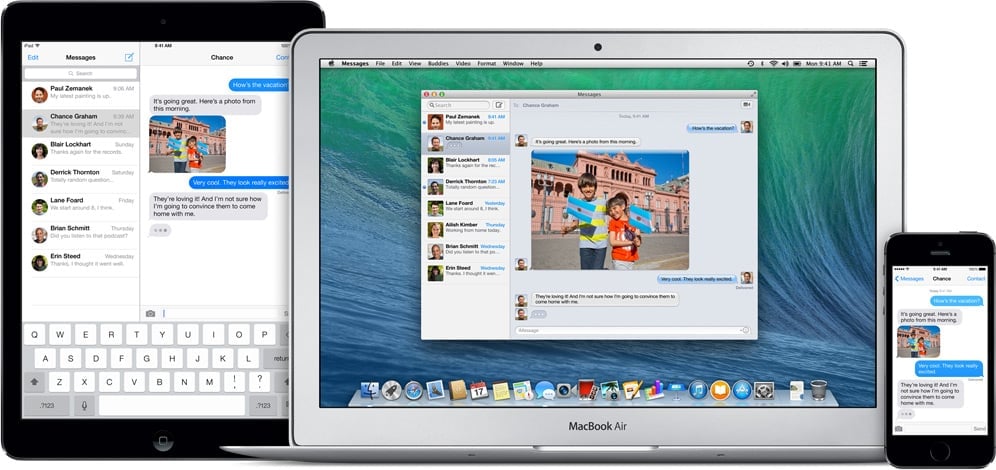
Any of the applications listed above will work for Apple users, however Apple computers have a messaging solution built in that does not require technicians to install a new mobile app on their devices. An application named Messages enables office staff to send and receive text and other messages right from their Apple computer.
Paired with their personal devices, office staff can use the above applications to send messages from any device and receive messages on all devices. Much like call forwarding, this is handy when stepping away from your desk for meetings or lunch.
Don’t let anyone in your office waste more time pecking away on a tiny smartphone keyboard. Not only will these applications save your office time, but also increase the amount and improve the quality of communication with the field.
